_-_Icon_Blue_(RGB_300ppi).jpg)

Accessing Star Assessments on iPads

Last updated: Aug 14, 2026
668
views

How to Sign into Star Assessment on iPad
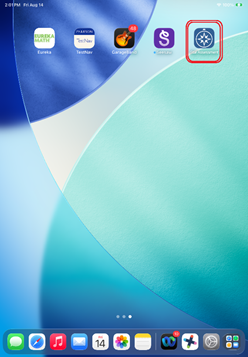
- Tap the ‘Star Assessment’ app from the homepage.
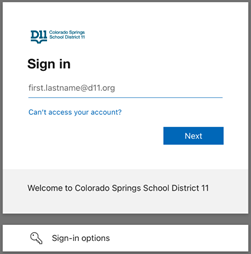
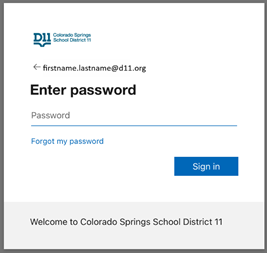
- Enter student’s full email address and password
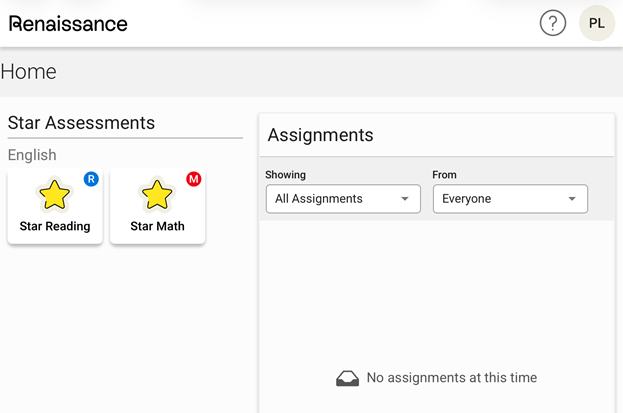
- Student selects assessment and enters monitor password (BOY 2026: fox)